AI traces and cost
Who it's for: whoever administers the account
What it's for
When an AI agent queries an API, books an appointment or escalates to a person, it gets recorded. Traces let you see, conversation by conversation, which tools it used and with what result, to understand why it answered the way it did.
See a conversation's traces
➡️
Step:Open the conversation in the Inbox.
➡️
Step:In the conversation's side panel, go to the AI traces tab.
➡️
Step:Filter the list and open a row to see the data sent and the tool's result.
⚠️
Warning:Trace data may include sensitive information (documents, amounts). That is why only whoever administers the account can see it; agents and supervisors have no access.
AI cost
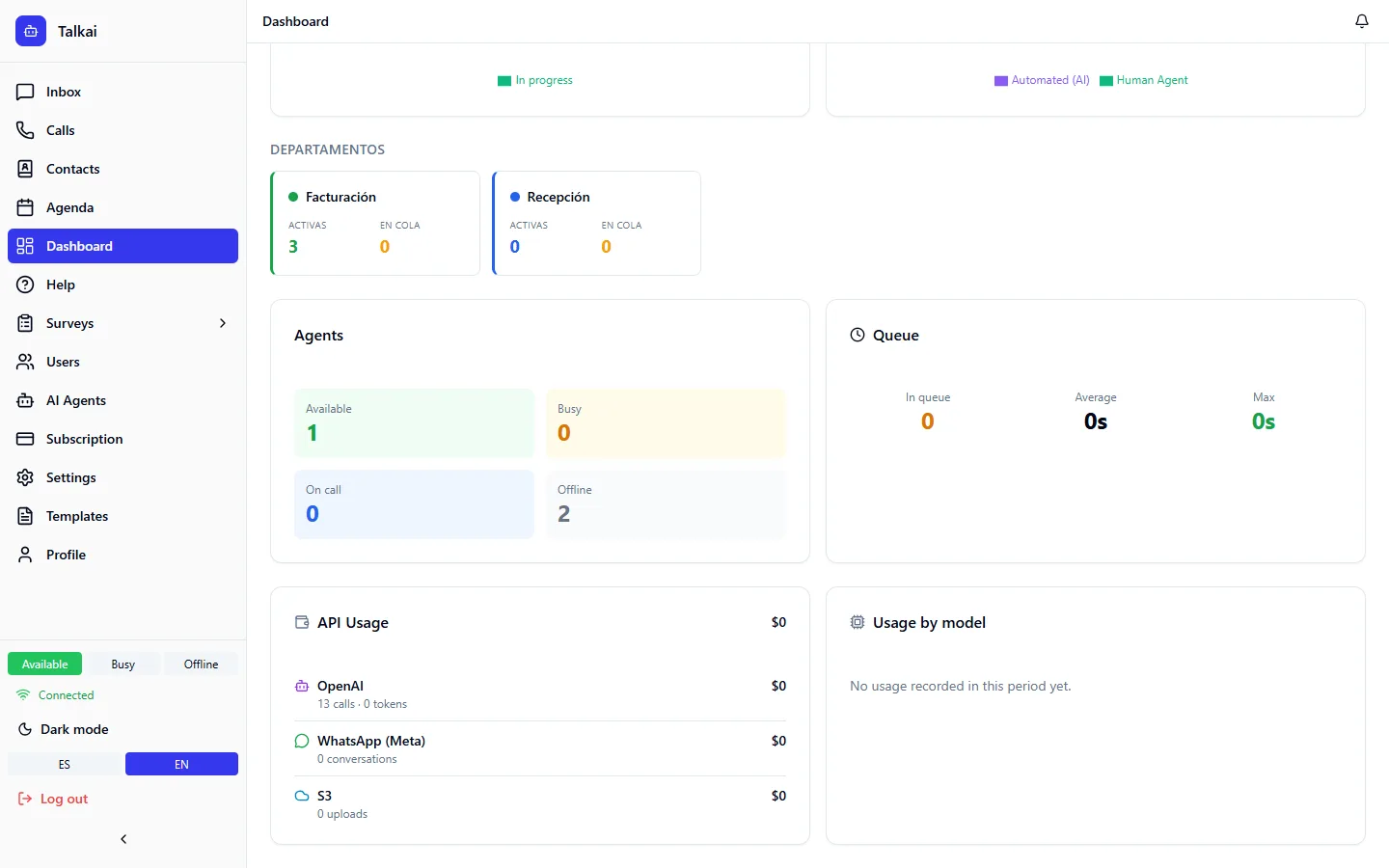
AI cost is shown in the API usage card on the Dashboard:
- With OpenAI and the costs Admin Key loaded, the cost is real.
- With the rest of the providers it is estimated (tokens consumed times our own price table).
- If a model has no price, "—" is shown and it isn't added to the total.
Common mistakes
- I don't see the AI traces tab: it is only available to whoever administers the account.
- The cost doesn't match the provider's invoice: if it's marked "est.", it is an approximation.