Dashboard: metrics and monitoring
Who it's for: whoever administers the account
What it's for
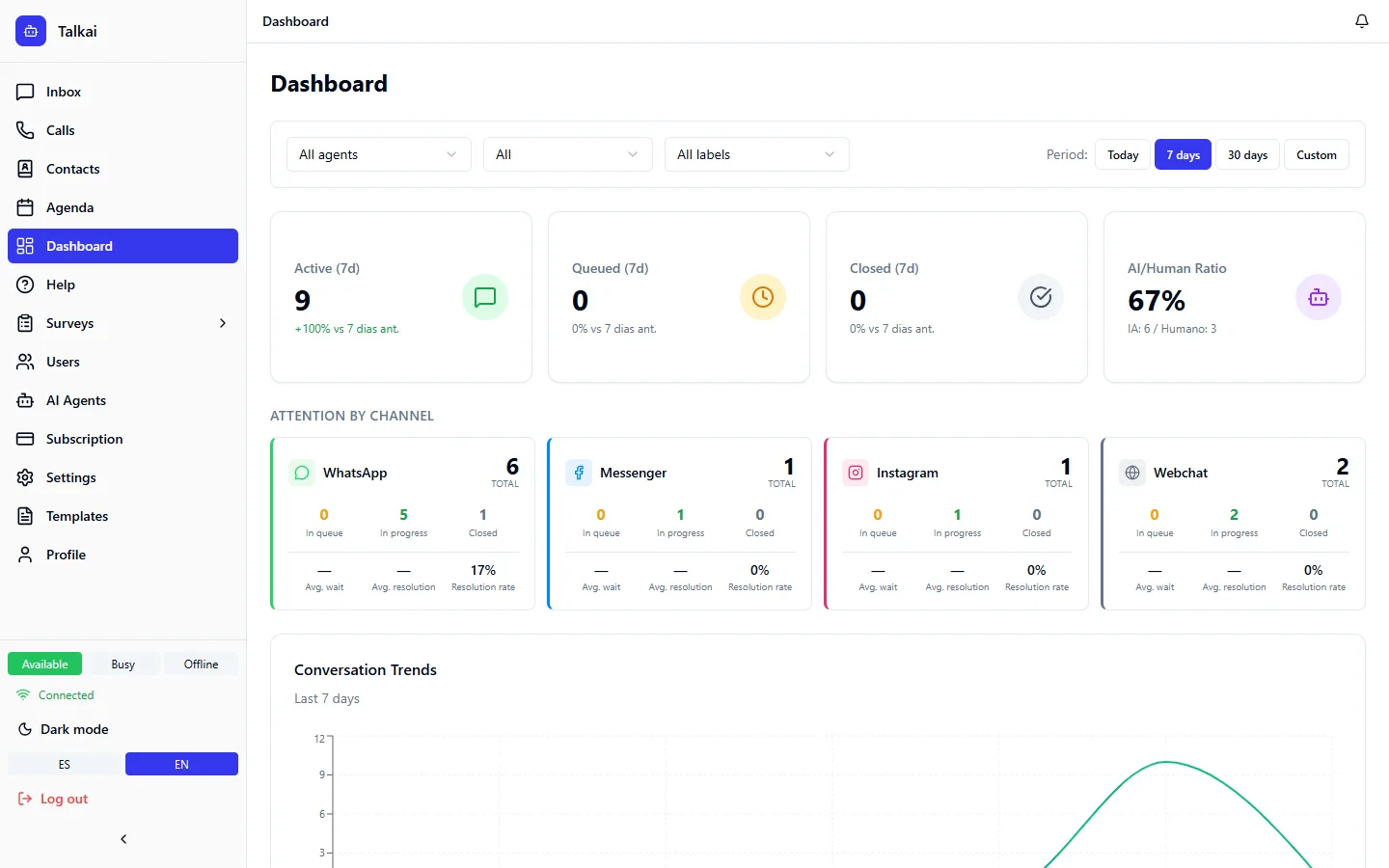
The dashboard shows the state of conversations and the team in real time, and how much of your external services your operation consumes.
Period filter
You can filter by Today, 7 days or 30 days.
Metric cards
- Active: conversations being handled (by AI or by a person) in the period.
- In queue: conversations waiting to be handled.
- Closed: conversations closed in the period.
- AI/Human ratio: percentage handled by AI versus people.
Each card shows the change compared with the previous period.
Trend and distribution
- Conversation trend: line chart with the conversations created and closed per hour or day.
- Distribution by status: pie chart with the share of conversations by status.
Departments and agents
- Departments: active and queued conversations for each one.
- Agent status: Available, Busy or Offline.
Waiting queue
Number of conversations waiting and average and maximum wait time, with a color that warns according to how long they have waited (green, yellow or red).
Indicators by channel
Activity is split by channel (WhatsApp, Messenger, Instagram and webchat), so you can see where the volume comes from.
API usage and AI cost
The API usage card shows calls, messages, tokens and cost of the external services you use.
- OpenAI: the cost is real if you loaded the OpenAI Admin Key (Costs) in the OpenAI settings; without it, it is estimated.
- Other AI providers: the cost is estimated (marked "est."), calculated from the tokens consumed using our own price table, because those providers don't expose their billing.
- No price: anything billed per image rather than per token is left out of the total and shown as "—", never as zero.
- WhatsApp (Meta): conversation cost is queried from Meta. For that, when you connect the number you must accept all the permissions Meta asks for, including the one for managing the business account; if it is missing, the card can't show the data and you need to reconnect.
ℹ️
Note:Treat estimated costs as a reference, not as the invoice. For more detail per conversation see AI traces and cost.
Common mistakes
- OpenAI cost shows as estimated: the costs Admin Key is missing.
- Meta cost doesn't appear: reconnect WhatsApp accepting all permissions.